

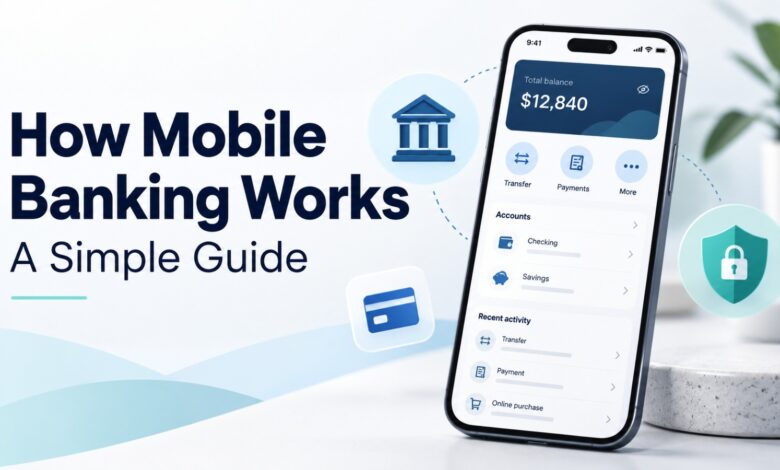
Mobile banking has changed the way people manage their money. In the past, customers often had to visit a bank branch to check their account balance, transfer money, or pay bills. Today, many of these services are available directly through a smartphone.
Understanding how mobile banking works can help you manage your finances more conveniently. With a mobile banking app, you can check your balance, review transactions, transfer funds, pay bills, and receive account notifications without visiting a branch.
Mobile banking is useful for students, employees, business owners, and anyone who wants easier access to their bank account. However, it is also important to understand how these apps operate and how to protect your financial information.
This guide explains how mobile banking works, its main features, benefits, possible risks, and practical tips for using it safely.
What Is Mobile Banking?
Mobile banking is a service that allows customers to access and manage their bank accounts through a smartphone or tablet. Banks usually provide this service through an official mobile application. Some also offer banking features through a mobile-friendly website.
A mobile banking app connects customers to their bank’s digital services. After signing in, users can view account information and perform transactions supported by their bank.
For example, you may use a mobile banking app to:
- Check your account balance.
- View recent transactions.
- Transfer money to another account.
- Pay utility bills.
- Manage debit or credit cards.
- Download account statements.
- Receive transaction alerts.
The available services depend on the bank, account type, country, and app version.
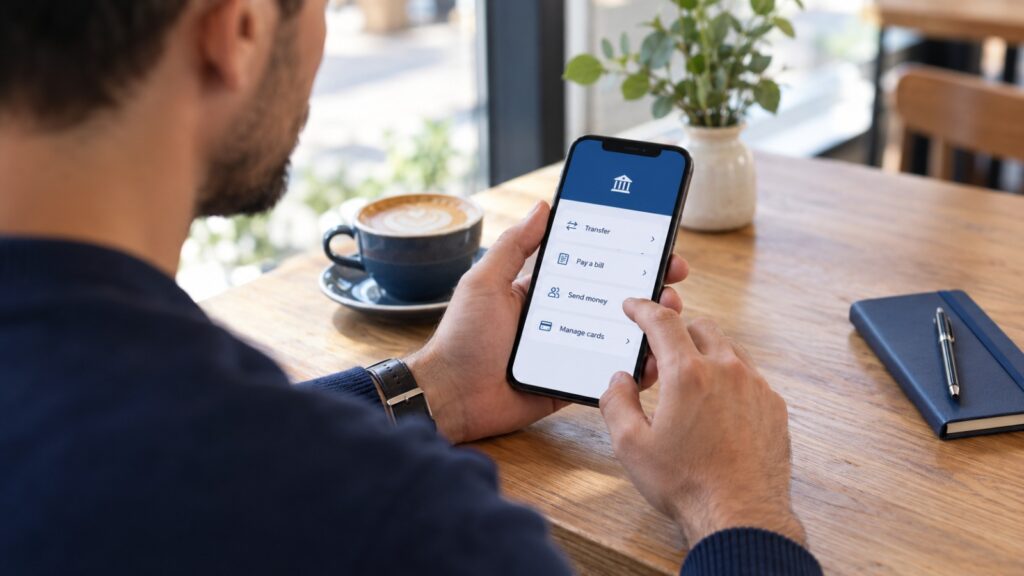
How Mobile Banking Works
To understand how mobile banking works, it helps to look at the process from the moment you open the app to the completion of a transaction.
1. Downloading the Banking App
The process usually begins by downloading your bank’s official application. Customers can generally find it through the Apple App Store or Google Play Store.
Before downloading an app, check the bank’s official website for the correct app name and publisher. This helps you avoid fake applications designed to steal personal or financial information.
Once the app is installed, you can open it and follow the bank’s registration or login instructions.
2. Registering Your Account
New users may need to register their bank account with the mobile application. The bank might ask for information such as:
- Your bank account or customer number.
- Your registered mobile phone number.
- Your identification details.
- An OTP or verification code.
- Other information required by the bank.
Some banks require customers to activate mobile banking through an ATM, branch, customer support service, or another approved method.
After successful registration, you can create or configure your login credentials and security settings.
3. Logging In Securely
When you open the app, you must verify your identity. Depending on the bank, this may involve a username and password, PIN, fingerprint, facial recognition, or another authentication method.
Authentication helps the bank confirm that the person accessing the account is authorized to use it.
Some apps also require additional verification when you use a new device, change important settings, or make certain transactions.
4. Connecting to the Bank’s System
After authentication, the app communicates with the bank’s systems through an internet connection.
When you request your account balance, the app sends a request to the bank. The bank checks the relevant account information and returns the result to the app.
The same basic process applies to many other services, including transaction history, bill payments, and fund transfers.
5. Completing a Transaction
Suppose you want to transfer money to another person. You enter the recipient’s details, choose the amount, and review the transaction.
Depending on the bank and transfer type, you may need to confirm the payment using a PIN, OTP, biometric verification, or another security step.
The bank processes the request according to its rules and the payment network involved. The app then displays the transaction status.
A successful transaction may appear immediately, while some transfers can take longer to complete.
How a Mobile Banking Transaction Works
The following table explains a typical mobile banking transaction.
| Step | What Happens |
|---|---|
| 1. Open the app | The customer launches the official banking application. |
| 2. Verify identity | The customer signs in using the required security method. |
| 3. Enter details | The customer selects a service and provides the required information. |
| 4. Confirm request | The customer reviews and authorizes the transaction. |
| 5. Bank processes it | The bank checks and processes the request. |
| 6. Receive confirmation | The app displays the transaction status or reference number. |
This process may differ between banks and payment methods. For example, an internal transfer between accounts at the same bank may be processed differently from an international transfer.
Main Features of Mobile Banking
Modern banking applications offer several features that help customers manage their money.
1. Checking Account Balances
One of the most frequently used features is checking an account balance. Customers can see how much money is available without visiting an ATM or contacting the bank.
Some apps also show separate balances for savings accounts, current accounts, and other linked accounts.
2. Money Transfers
Mobile banking allows customers to send money to other accounts. Depending on the bank, transfers may be available between accounts at the same bank, accounts at other banks, or supported international destinations.
Some banks also integrate with local payment systems that allow users to transfer money using an account number, mobile number, or other supported identifier.
3. Bill Payments
Many mobile banking apps allow customers to pay electricity, gas, water, internet, telephone, and other bills.
Users can select a biller, enter the required reference information, review the amount, and confirm the payment.
This can make regular payments easier to manage and reduce the need to visit payment offices.
4. Transaction History
A mobile banking app usually provides a record of recent account activity. Customers can review deposits, withdrawals, transfers, card payments, and other transactions.
This feature helps users monitor spending and identify unfamiliar transactions.
Some apps also allow customers to download statements for budgeting, recordkeeping, or other financial needs.
5. Card Management
Depending on the bank, customers may be able to manage their debit or credit cards through the app.
Available controls may include temporarily locking a card, reporting it lost, changing certain card settings, or reviewing card transactions.
These features can be especially useful if a card is misplaced or an unfamiliar payment appears.
6. Notifications and Alerts
Mobile banking apps may send notifications about deposits, withdrawals, transfers, bill payments, and other account activity.
Alerts help customers stay informed and can make it easier to notice transactions they do not recognize.
Users should review their notification settings and enable relevant security alerts where available.
Benefits of Mobile Banking
Understanding how mobile banking works also helps explain why so many customers use it.
1. Convenient Access
Mobile banking lets customers access many banking services from home, work, or while travelling. They do not need to visit a branch for every routine task.
Most app features can be used whenever the bank’s digital services are available, although some transactions may have specific operating hours or maintenance periods.
2. Saves Time
Checking a balance, reviewing a payment, or transferring money through an app can be faster than travelling to a branch.
Customers can also manage several routine banking tasks in one place.
3. Easier Money Management
Transaction histories and account summaries help users understand where their money is going.
By reviewing spending regularly, customers can identify unnecessary expenses and plan their budgets more effectively.
4. Faster Payments
Many mobile banking services support quick transfers and bill payments. Some transactions are completed within seconds, while others may take longer depending on the payment system.
The actual processing time depends on the bank, recipient, transaction type, and any applicable checks.
5. Reduced Paperwork
Digital statements, payment receipts, and transaction records can reduce the need to keep paper documents for everyday banking.
Customers should still save important records when needed and protect any downloaded statements containing personal information.
Mobile Banking vs Traditional Banking
Mobile banking and traditional branch banking both provide access to financial services, but the way customers use them is different.
| Feature | Mobile Banking | Traditional Banking |
|---|---|---|
| Access | Through a supported mobile device | Through a physical branch |
| Convenience | Many services available remotely | Requires a branch visit for in-person services |
| Account balance | Usually available in the app | Available through staff, ATM, or other channels |
| Transfers | Supported transfers can be made in the app | Transfers may be available through staff or other channels |
| Personal assistance | Chat, phone, or digital support may be available | Face-to-face assistance |
| Cash services | Depends on linked services and available ATMs | Cash deposits and withdrawals may be available at branches |
| Complex requests | Depends on the bank’s app features | Staff may assist with requests requiring in-person service |
Mobile banking does not completely replace traditional banking. Some services, such as certain identity checks, document submissions, or complex account matters, may still require assistance from bank staff.
Is Mobile Banking Safe?
Mobile banking can be secure when banks use appropriate safeguards and customers follow safe practices. However, no digital service is completely free from risk.
Banks may use encryption, authentication, transaction monitoring, and fraud detection systems to protect accounts. The exact protections vary by institution.
Customers also have an important role in keeping their accounts safe.
Common Mobile Banking Risks
Phishing messages: Fraudsters may send fake emails, text messages, or links that imitate a bank and ask for login details.
Fake banking apps: Unofficial apps may attempt to collect passwords, verification codes, or personal information.
Stolen devices: Someone who gains access to an unlocked phone or banking credentials may attempt to access the account.
Unsafe networks: Public or untrusted networks can increase exposure to certain online threats, particularly when combined with other security weaknesses.
Social engineering: Scammers may pretend to be bank employees and pressure customers into sharing passwords, PINs, or OTPs.
How to Protect Your Mobile Banking Account
Follow these practical security tips:
- Download your banking app only from an official app store or a link provided by your bank.
- Use a strong, unique password or PIN.
- Enable fingerprint or facial recognition if supported and appropriate for your device.
- Never share your password, PIN, or OTP with another person.
- Avoid opening suspicious links in messages claiming to come from your bank.
- Keep your phone’s operating system and banking app updated.
- Enable transaction alerts and review account activity regularly.
- Use your phone’s screen lock and avoid leaving your device unattended while banking.
- Contact your bank immediately if your phone is lost or you notice an unfamiliar transaction.
- Use the bank’s official contact details rather than phone numbers or links supplied in suspicious messages.
Your bank should not need you to disclose your password or OTP to a caller. Treat unexpected requests for these details as suspicious.
What Do You Need to Start Using Mobile Banking?
Getting started is usually straightforward, but the exact requirements depend on your bank.
| Requirement | Why It Is Needed |
|---|---|
| Bank account | Connects the app to your banking services |
| Smartphone or tablet | Runs the banking application |
| Internet connection | Allows the app to communicate with the bank |
| Registered mobile number | May be used for verification and alerts |
| Login credentials | Help authenticate your identity |
| Official banking app | Provides access to the bank’s digital services |
Some banks may require additional documents or activation steps. Check the bank’s official instructions before registering.
Mobile Banking in Everyday Life
Mobile banking can be useful in many everyday situations.
For Students
Students can check their balances, review payments, and receive money from family members. They can also use transaction records to monitor their spending.
For Employees
Employees can check salary deposits, pay bills, transfer money, and review monthly expenses through a supported app.
For Small Business Owners
Business owners may use mobile banking to monitor incoming payments, pay suppliers, review account activity, and manage business expenses.
Business users should check whether their bank offers separate business accounts, multiple-user access, transaction limits, and suitable recordkeeping features.
For Families
Families can use mobile banking to manage household bills, track payments, and transfer money when needed. Account holders should use appropriate access controls and avoid sharing personal login credentials.
Common Mobile Banking Mistakes to Avoid
Although mobile banking is convenient, some mistakes can create financial or security problems.
- Ignoring transaction alerts: Review unfamiliar activity as soon as possible.
- Using weak passwords: Avoid simple PINs or passwords that are easy to guess.
- Sharing OTPs: Never disclose verification codes to callers or message senders.
- Installing unofficial apps: Confirm the app’s authenticity before signing in.
- Sending money without checking details: Verify the recipient and amount before confirming.
- Ignoring app updates: Updates may include important security fixes.
- Assuming every transfer is instant: Check the transaction status and expected processing time.
- Using the wrong support channel: Contact the bank through its official website, app, or verified phone number.
Taking a few seconds to check details can help prevent avoidable problems.
The Future of Mobile Banking
Mobile banking continues to develop as banks introduce new digital services. Features may include improved biometric authentication, more personalized account information, automated spending summaries, digital wallets, and tools that help customers manage payments.
Artificial intelligence may also support fraud monitoring and customer service. However, the availability and effectiveness of these features vary between banks.
As digital banking develops, customers should continue to pay attention to privacy, account security, accessibility, and the terms of the services they use.
The purpose of mobile banking is to make routine financial tasks more accessible while maintaining appropriate safeguards for customers and their money.
Frequently Asked Questions (FAQs)
1. How Mobile Banking Works?
Mobile banking works by connecting a banking app on your smartphone to your bank’s digital systems through the internet. After verifying your identity, you can use supported services such as checking balances, transferring money, paying bills, and viewing transactions.
2. Is Mobile Banking the Same as Online Banking?
Mobile banking is a type of digital banking designed for mobile devices, usually through an app. Online banking is a broader term that can include banking through a web browser on a computer or mobile device.
3. Do I Need Internet for Mobile Banking?
Most mobile banking features require an internet connection. Some banks may offer limited services through other channels, but you should not assume that the app will work without internet access.
4. Can I Transfer Money Using a Mobile Banking App?
Yes. Most mobile banking apps support certain types of money transfers. Available recipients, transfer limits, fees, and processing times depend on your bank and the payment service.
5. Is Mobile Banking Safe to Use?
Mobile banking can be secure when the bank provides suitable security measures and customers protect their devices and login details. Use the official app, enable security features, and never share your password, PIN, or OTP.
6. What Happens if I Lose My Phone?
Contact your bank through its official support channel as soon as possible. Ask about blocking mobile banking access or securing your account. You should also lock or erase your device remotely if that feature is available.
7. Can I Use Mobile Banking Without Visiting a Bank?
Some banks allow customers to register and activate mobile banking entirely online. Others require an ATM, branch visit, or additional verification. Check your bank’s registration requirements.
8. Are Mobile Banking Transactions Instant?
Some transactions are completed almost immediately, while others may take longer. Processing depends on the bank, payment network, transaction type, operating hours, and security checks.
Conclusion
Understanding how mobile banking works makes it easier to use digital financial services with confidence. A mobile banking app connects your smartphone to your bank’s systems, allowing you to check balances, transfer money, pay bills, review transactions, and manage certain account settings.
The main benefits include convenience, time savings, easier financial management, and access to many services without visiting a branch. However, safe usage is essential.
Always use your bank’s official app, protect your login details, enable security alerts, and check transaction information before confirming payments. If you notice suspicious activity, contact your bank immediately.
With the right precautions, mobile banking can become a practical part of your everyday financial routine.