

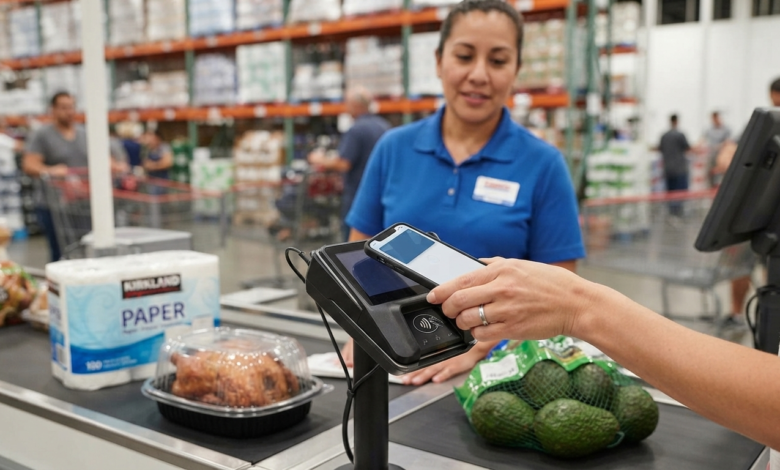
Does Costco Take Apple Pay?
Yes, does Costco take Apple Pay? The answer is yes at U.S. Costco warehouse locations. Costco officially lists Apple Pay as one of its accepted mobile payment options, along with Google Pay and Samsung Pay.
This means Costco members can use an iPhone or compatible Apple device to make a contactless payment at participating Costco checkout terminals. Apple Pay can be a convenient option if you prefer not to take out your physical card.
However, there is an important difference between paying with Apple Pay at a Costco warehouse and using Apple Pay on Costco.com. Costco’s current payment information lists Apple Pay for U.S. warehouse purchases, while its standard Costco.com payment methods are different.
Let’s look at how Apple Pay works at Costco and the other Costco payment methods you can use.
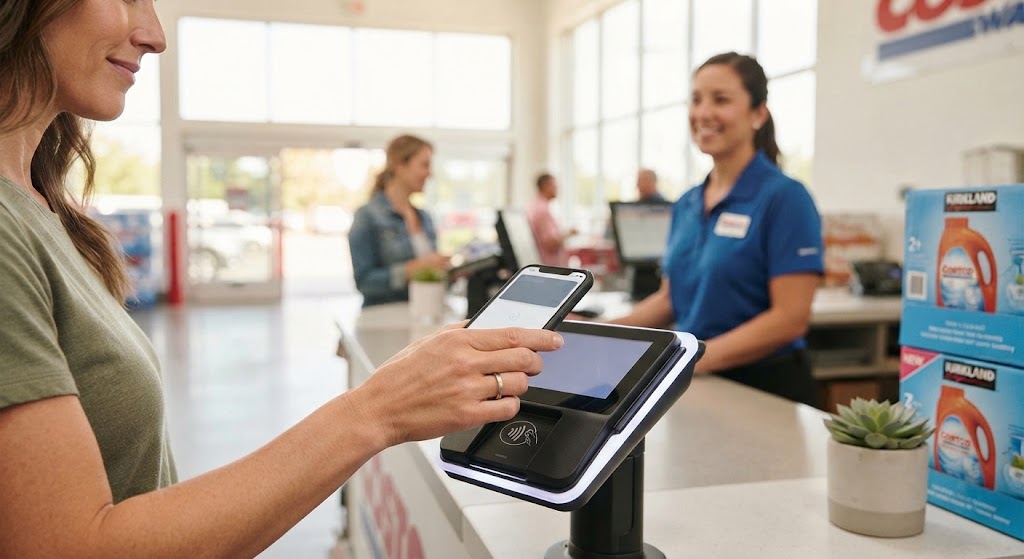
Does Costco Take Apple Pay in Stores?
Yes. Costco’s official U.S. payment information includes Apple Pay under mobile payment options accepted at Costco warehouses. Google Pay and Samsung Pay are also listed.
If you have Apple Pay set up on your iPhone or Apple Watch, you can generally use it at a compatible Costco payment terminal.
How to Use Apple Pay at Costco
Using Apple Pay at Costco is similar to using it at other stores that support contactless payments.
- Add an eligible payment card to Apple Wallet.
- Visit a Costco warehouse.
- Shop for your items as usual.
- Go to a checkout lane or self-checkout.
- When the terminal is ready for payment, open Apple Pay.
- Authenticate with Face ID, Touch ID, or your device passcode.
- Hold your device near the contactless payment reader.
- Wait for the payment confirmation.
Your bank or card issuer will process the transaction according to the card you selected in Apple Pay.
Costco Payment Methods
Understanding the different Costco payment methods can help you choose the best option before you go shopping.
According to Costco’s current U.S. payment information, warehouse shoppers can use several payment options, including Visa cards, eligible debit cards, Costco Shop Cards, cash, certain checks, EBT cards, and mobile payments such as Apple Pay, Google Pay, and Samsung Pay.
Here is a simple overview:
| Payment Method | Costco U.S. Warehouse | Costco Gas Station | Costco.com |
|---|---|---|---|
| Apple Pay | Yes | Yes | Not a standard option |
| Google Pay | Yes | Not listed | Not a standard option |
| Samsung Pay | Yes | Not listed | Not a standard option |
| Visa Cards | Yes | Yes | Yes |
| Costco Anywhere Visa Card | Yes | Yes | Yes |
| Debit/ATM Cards | Yes | Yes | Yes |
| Costco Shop Cards | Yes | Yes | Yes |
| Cash | Yes | No standard listing | No |
| Personal Checks | Yes, with conditions | No | No |
| Mastercard | No standard warehouse credit-card acceptance | No standard listing | Yes |
| EBT | Yes | No | No |
Payment acceptance can vary by location, service, or transaction, so it is always smart to check Costco’s latest payment information before making a special trip.
Costco Digital Wallet Options
The term costco digital wallet can be confusing because Costco has several different digital payment and membership features.
Costco supports mobile payments such as Apple Pay at U.S. warehouses. It also has a Digital Membership Card in the Costco app.
However, the Costco Digital Membership Card itself is not currently supported in Apple Wallet or Google Pay. Costco says the Digital Membership Card is designed to be used through the Costco mobile app.
Can You Add Your Costco Membership to Apple Wallet?
No. Costco currently states that its Digital Membership Card cannot be added to Apple Wallet or Google Pay.
This does not mean you cannot use Apple Pay at Costco.
There are two separate features:
- Apple Pay: Used to make a payment.
- Costco Digital Membership Card: Used to access and show your Costco membership through the Costco app.
You can therefore use the Costco app for your membership and Apple Pay for an eligible payment.
Can You Pay With Your iPhone at Costco?
Yes. If Apple Pay is available on the payment terminal and you have a supported payment card in Apple Wallet, you can use your iPhone to pay at a U.S. Costco warehouse.
This can be useful if you prefer carrying fewer physical cards.
For example, you could:
- Open the Costco app to show your Digital Membership Card.
- Complete your shopping.
- Use Apple Pay at the payment terminal.
- Authenticate the payment on your iPhone.
- Complete checkout.
Costco’s Digital Membership Card can be used at warehouse registers, including assisted and self-checkout lanes.
Does Costco Take Apple Pay at Gas Stations?
Yes. Costco’s official U.S. payment information specifically lists Apple Pay as an accepted payment method at Costco Gas Stations.
This can make Apple Pay particularly convenient if you do not want to take out your physical card while paying for fuel.
However, payment options can differ between a Costco warehouse, gas station, pharmacy, food court, or other Costco service. If you are visiting a particular Costco service, check the payment options for that service.
Does Costco Take Apple Pay Online?
This is where the answer is different.
Costco’s current Costco.com payment information lists Visa cards, the Costco Anywhere Visa Card by Citi, Mastercard, most PIN-based debit/ATM cards, Costco Shop Cards, and certain other options. Apple Pay is not listed as a standard Costco.com payment method on the current payment-method page.
So, when asking does Costco take Apple Pay, it is important to distinguish between in-store purchases and Costco.com purchases.
Costco Store vs. Costco.com
| Shopping Location | Apple Pay |
|---|---|
| Costco U.S. Warehouse | Yes |
| Costco Self-Checkout | Yes, where mobile payment is supported |
| Costco Gas Station | Yes |
| Costco.com | Not listed as a standard payment method |
| Costco Digital Membership Card | Cannot be added to Apple Wallet |
This distinction can prevent confusion when you are planning your payment before shopping.
What Cards Can You Use With Apple Pay at Costco?
Apple Pay acts as a digital version of a supported payment card. The card stored in your Apple Wallet is what is ultimately used for the transaction.
If you want to use Apple Pay at Costco, make sure your selected card is supported by your bank and Apple Pay.
For Costco shoppers, this may include an eligible Visa card or another card supported by Apple Pay and accepted for the particular Costco transaction.
Why Your Apple Pay Payment Could Be Declined
Even when a store accepts Apple Pay, a payment can sometimes fail.
Possible reasons include:
- Your card issuer declined the transaction.
- Your card is not supported by Apple Pay.
- Your card has expired.
- Your bank has temporarily blocked the transaction.
- The payment terminal has a technical issue.
- Your device has a connectivity or authentication problem.
- The transaction or service has different payment restrictions.
If Apple Pay does not work, having a physical payment card or another accepted payment option available can save time.
Costco Digital Membership Card vs. Apple Pay
These two features are easy to confuse.
| Feature | Costco Digital Membership Card | Apple Pay |
|---|---|---|
| Main purpose | Shows Costco membership | Makes payments |
| Available in Costco app | Yes | No |
| Added to Apple Wallet | No | Yes |
| Used at Costco warehouse | Yes | Yes |
| Can contain payment information | Eligible Visa can be added | Yes |
| Replaces Costco membership | No | No |
| Replaces a payment card | It can be used with an eligible Visa through Costco’s digital payment feature | Yes, for supported cards |
Costco also announced that members can add a Visa card to their Digital Membership Card for faster warehouse checkout. Costco says this digital payment option is intended for warehouse purchases and excludes the food court.
How to Make Costco Checkout Easier
If you regularly shop at Costco, setting up your digital options before your trip can make checkout smoother.
1. Install the Costco App
The Costco app provides access to your Digital Membership Card and other account features.
2. Set Up Apple Pay
Add your preferred eligible payment card to Apple Wallet and make sure the card is ready to use.
3. Keep a Backup Payment Method
Although mobile payments are convenient, technical problems can occasionally happen. Carrying another accepted payment method can be useful.
4. Check Your Card Before Shopping
Make sure your payment card is active and has enough available credit or funds.
5. Know the Difference Between Warehouse and Online Payments
Costco’s warehouse payment options are not exactly the same as Costco.com’s payment options. Knowing the difference can help you avoid surprises at checkout.
Costco Payment Methods: What Is Best?
The best payment method depends on what matters most to you.
| If You Want… | Consider |
|---|---|
| Fast contactless payment | Apple Pay |
| Physical card payment | Visa card |
| Costco rewards | Costco Anywhere Visa Card |
| No physical card | Apple Pay or Costco digital payment options |
| Cash payment | Cash at eligible warehouse locations |
| Online shopping | Visa, Mastercard, debit/ATM, Costco Shop Card |
| Fuel payment | Apple Pay, Visa, debit/ATM, or other accepted options |
Apple Pay is particularly useful for shoppers who prefer contactless payments and already have a compatible card in Apple Wallet.
Frequently Asked Questions
Does Costco take Apple Pay?
Yes. Costco’s current U.S. payment information lists Apple Pay as an accepted mobile payment option at Costco warehouses. Apple Pay is also listed for Costco Gas Stations.
Can I use Apple Pay at Costco self-checkout?
Yes. Costco’s Digital Membership Card can be used at both assisted and self-checkout registers, while Apple Pay is listed as an accepted mobile payment option at U.S. warehouses.
Can I add my Costco membership card to Apple Wallet?
No. Costco currently says its Digital Membership Card is not available in Apple Wallet or Google Pay. You can access the digital membership card through the Costco mobile app.
Does Costco take Apple Pay at the gas station?
Yes. Costco’s U.S. payment information specifically lists Apple Pay among the accepted payment methods at Costco Gas Stations.
Does Costco accept Apple Pay online?
Apple Pay is not listed as a standard payment method on Costco.com’s current online payment-method page. Costco.com lists options such as Visa, Mastercard, eligible debit/ATM cards, and Costco Shop Cards.
Can I use a Visa card through the Costco app?
Yes. Costco says members can add a Visa card to their Digital Membership Card for easier checkout at Costco warehouses.
Conclusion
So, does Costco take Apple Pay? Yes, at U.S. Costco warehouses and Costco Gas Stations, Apple Pay is an accepted mobile payment option.
Apple Pay can make checkout more convenient because you can use your iPhone or Apple Watch instead of taking out your physical payment card. However, Costco’s online payment options are different, and Apple Pay is not currently listed as a standard Costco.com payment method.
It is also important to understand the difference between Apple Pay and Costco’s Digital Membership Card. Your Costco membership cannot currently be added to Apple Wallet, but you can access your Digital Membership Card through the Costco app.
If you shop at Costco regularly, setting up both your Costco app and Apple Pay can make the shopping and checkout process faster and easier.