

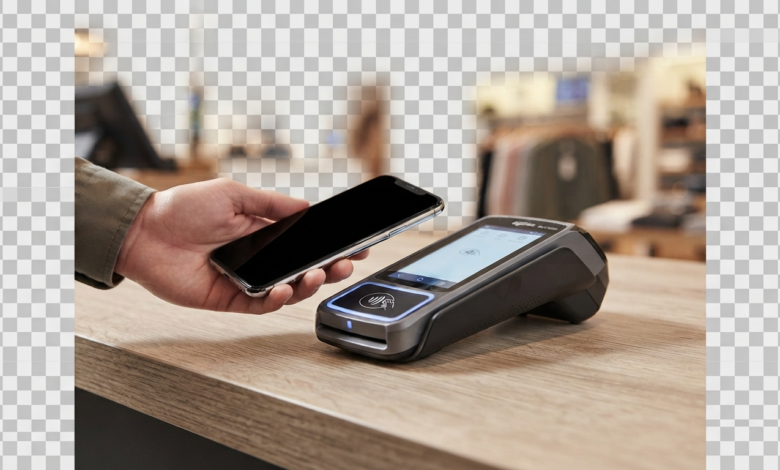
Yes, Home Depot supports contactless payment at U.S. stores as part of its rollout of tap-to-pay technology. Home Depot began rolling out contactless payments in its U.S. stores in 2024 and said it expected the rollout to reach most stores and registers later that year.
Home Depot’s current privacy documentation also specifically lists mobile payment as a type of payment information it processes, confirming that mobile payments are part of its payment ecosystem.
This means customers may be able to pay by tapping a compatible contactless card, smartphone, or smartwatch at a supported Home Depot checkout terminal.
However, because payment terminals can vary by location and checkout lane, it is still smart to look for the contactless symbol on the terminal before starting your transaction.
What Is Home Depot Contactless Payment?
Home Depot contactless payment allows customers to pay without inserting or swiping a physical card.
Instead, a compatible card or mobile wallet communicates with the payment terminal using near-field communication, commonly called NFC.
With a supported payment method, the basic process is:
- Scan your products.
- Select or proceed to payment.
- Look for the contactless symbol on the terminal.
- Hold your card, phone, or smartwatch near the reader.
- Wait for the payment confirmation.
- Collect your receipt.
Contactless payment is designed to make checkout faster because you do not need to insert your card into the chip reader.
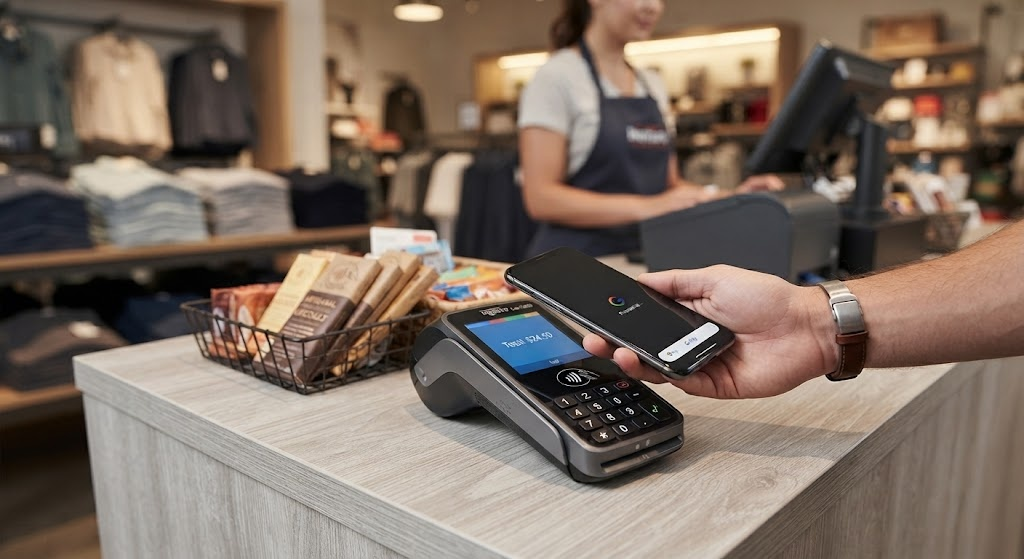
How Does Home Depot NFC Payment Work?
Home Depot NFC payment uses near-field communication technology to transfer payment information between a compatible device and the checkout terminal.
NFC works over a very short distance. Your phone, smartwatch, or contactless card needs to be held close to the appropriate area of the payment reader.
For example, Apple explains that Apple Pay uses the NFC chip in an iPhone or Apple Watch to communicate with a store’s contactless payment terminal. It does not require Wi-Fi or cellular service for an in-store transaction.
What Do You Need?
For mobile NFC payment, you generally need:
- A compatible smartphone or smartwatch
- A supported digital wallet
- A debit or credit card added to the wallet
- NFC/contactless functionality
- A Home Depot terminal that supports contactless payment
The exact setup depends on your device and payment provider.
Can You Use Apple Pay at Home Depot?
Home Depot began rolling out contactless payments, including support for mobile-wallet transactions, in its U.S. stores in 2024.
If the checkout terminal displays the contactless symbol, Apple Pay can generally be used where the terminal supports Apple Pay.
To pay with an iPhone:
- Open Apple Wallet or use the Apple Pay shortcut.
- Authenticate with Face ID, Touch ID, or your passcode.
- Hold the top of your iPhone near the contactless reader.
- Wait for the confirmation.
- Take your receipt.
Apple states that Apple Pay works anywhere a compatible contactless payment terminal accepts it.
Can You Use Apple Watch?
A compatible Apple Watch can also be used for contactless payments where Apple Pay is accepted.
Simply authenticate the payment according to your Apple Watch settings and hold the watch near the contactless reader.
Can You Use a Contactless Credit or Debit Card?
Yes, if the Home Depot checkout terminal supports contactless card payments.
A contactless card has a built-in NFC capability that allows you to tap the card against or near the reader instead of inserting it into the chip slot.
Look for the familiar contactless symbol on the card and payment terminal.
This can be particularly convenient when you do not want to use a smartphone or smartwatch.
Does Home Depot Self-Checkout Take Tap to Pay?
Contactless payment availability can depend on the specific self-checkout terminal.
If the self-checkout payment terminal displays the contactless symbol, you can follow the instructions on the screen and tap your supported card or mobile device.
The safest approach is to check the terminal before attempting payment. If the contactless option does not appear or the reader does not respond, use another available payment method or ask a Home Depot associate for assistance.
What If Tap to Pay Does Not Work?
Sometimes a contactless transaction may not work even when your card or phone supports NFC.
Possible reasons include:
- The terminal does not support contactless payment.
- Contactless functionality is temporarily unavailable.
- Your card is not properly configured in your mobile wallet.
- Your phone’s NFC or wallet settings need attention.
- The transaction requires another verification method.
- The payment terminal has a temporary technical problem.
If your phone or card does not work, do not assume your bank card is declined. Try another payment method or ask an associate to check the terminal.
Home Depot’s privacy documentation confirms that payment processing involves payment processors and financial-service providers, so technical issues can occur at different points in the payment process.
Home Depot Tap to Pay vs. Traditional Card Payment
Both methods can be convenient, but they work differently.
| Payment Method | How You Pay | Main Advantage |
|---|---|---|
| Tap-to-pay card | Tap card on terminal | Quick and simple |
| Mobile wallet | Tap phone on terminal | No physical card required |
| Smartwatch | Tap watch on terminal | Convenient when phone is away |
| Chip card | Insert card | Useful when contactless is unavailable |
| Magnetic stripe | Swipe card | Backup option on supported terminals |
Contactless payment is particularly convenient if you already have your preferred credit or debit card stored in a digital wallet.
Is Contactless Payment Safe?
Contactless payment uses security features built into the payment system and, in the case of mobile wallets, the device and wallet provider.
For example, Apple says Apple Pay uses device security features such as Face ID, Touch ID, or a passcode and uses the NFC chip to communicate with compatible payment terminals.
Home Depot also says it uses payment and security providers as part of its payment-processing and fraud-prevention activities.
Still, customers should follow normal payment-security practices. Keep your phone locked when you are not using it, protect your wallet credentials, and review your bank statements for transactions you do not recognize.
How to Know If a Home Depot Terminal Accepts Tap to Pay
The easiest way is to look at the payment terminal.
Look for the Contactless Symbol
The contactless symbol usually looks like four curved lines radiating outward.
If you see it on the payment terminal, it indicates that the reader supports contactless payments.
Ask an Associate
If you are unsure, ask the cashier before completing your purchase.
This is particularly useful if you are shopping at a location where the payment terminal does not clearly display the contactless symbol.
Have a Backup Payment Method
Even when you normally use tap to pay, carrying a physical card can be useful as a backup.
This can save time if the terminal is temporarily unavailable or your phone battery is low.
Does Home Depot Accept Mobile Payments Online?
In-store tap-to-pay and online payment are different processes.
A physical store terminal uses NFC to communicate with your phone, smartwatch, or contactless card. Online checkout does not use NFC in the same way.
Home Depot’s privacy statement lists mobile payment and PayPal account information among payment information it may process.
When shopping online, use the payment methods displayed on the checkout page rather than assuming that every in-store payment method will also be available online.
Frequently Asked Questions
Does Home Depot take tap to pay?
Yes. Home Depot began rolling out contactless payments in its U.S. stores in 2024, and the company said it expected the rollout to reach most stores and registers later that year.
Does Home Depot accept contactless credit cards?
Contactless cards can be used at Home Depot terminals that support contactless payments. Look for the contactless symbol on the reader before tapping your card.
Does Home Depot have NFC payment?
Yes, Home Depot’s contactless payment rollout uses the technology associated with NFC-enabled payment terminals. NFC allows compatible devices and cards to communicate with a payment reader over a short distance.
Can I use my phone to pay at Home Depot?
Yes, where the checkout terminal supports the relevant mobile-wallet/contactless payment. You can use a compatible smartphone with a supported digital wallet and tap it against the payment terminal.
Does Home Depot self-checkout accept contactless payment?
Supported self-checkout terminals can process contactless payments. Because terminals can differ, check for the contactless symbol or ask an associate if you are unsure.
What should I do if tap to pay does not work?
Try holding the phone or card closer to the contactless symbol for a moment. If it still does not work, try another payment method or ask a Home Depot associate for help.
Conclusion
So, does Home Depot take tap to pay? Yes, Home Depot has adopted contactless payment technology in its U.S. stores. The company began rolling out contactless payments in 2024, making it possible for customers at supported terminals to use compatible contactless cards and mobile-wallet payment methods.
Home Depot contactless payment can make checkout faster because you can simply tap a compatible card, phone, or smartwatch instead of inserting a card. Home Depot NFC payment works through short-range wireless communication between your payment device and the checkout terminal.
Because individual terminals can differ, look for the contactless symbol before paying. If tap to pay is unavailable, keeping a physical card as a backup is a simple way to avoid delays.